Raycast: The Ultimate Productivity Boost for Mac Users
If you’re a Mac user looking for a faster, more efficient way to navigate your system, launch apps, and automate tasks, Raycast is a game-changer. It’s more than just a Spotlight replacement—it’s an extensible, keyboard-first tool that streamlines nearly everything you do on your Mac.
I use Raycast daily to cut down friction in my workflow. Whether it’s launching apps, running scripts, managing my clipboard, or controlling system settings, Raycast has become an essential part of my productivity setup.
Get a free month of Raycast Pro
What Is Raycast?
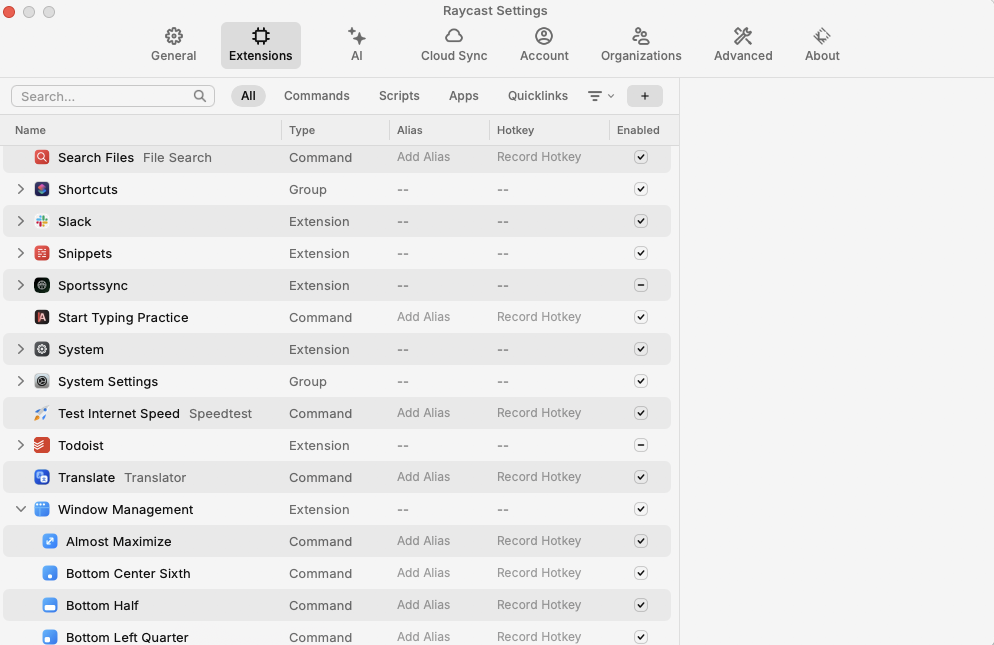
Raycast is a powerful Mac launcher that replaces Spotlight with a faster, more customizable experience. It allows you to search for files, open apps, run commands, and integrate with popular tools like Google Calendar, Notion, and GitHub—all from a single keyboard shortcut.

How I Use Raycast
App & File Launcher
Instead of clicking around to open apps, I use a keyboard shortcut and type a few letters to launch apps instantly. It’s far quicker than using the Dock or Finder.
Clipboard History & Snippets
Raycast keeps track of everything I copy, so I can quickly recall past clipboard items. I also use predefined snippets to paste commonly used text, such as email responses or code snippets.
Final Thoughts
Raycast is more than an app launcher. It’s a productivity powerhouse. Whether you’re a developer, writer, or power user, it can help you navigate your Mac more efficiently and automate repetitive tasks.
If you haven’t tried it yet, download it and start experimenting with commands, extensions, and custom workflows.